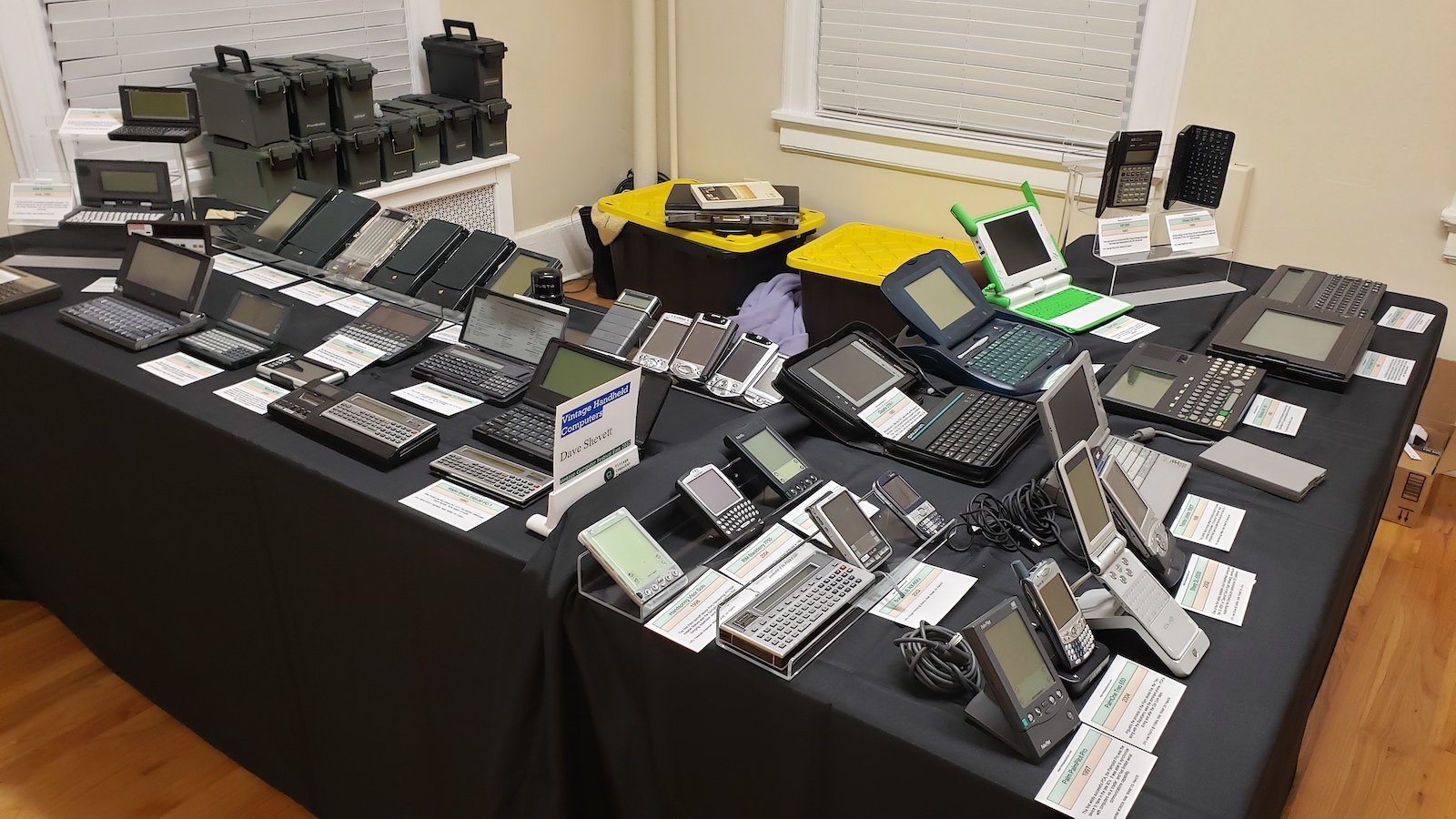
VCF East was a blast, and I had a great time. Most of my chitter chatter and pics are on my Twitter feed. Thanks to everyone who showed up and made the event work. I had some great conversations, picked up some new gear, and got a good solid soar throat from talking for two days straight.
I’m hoping to bring the handhelds page up to date with all the latest acquisitions soon. A recent visit to Near-Fest definitely helped things along on that front!
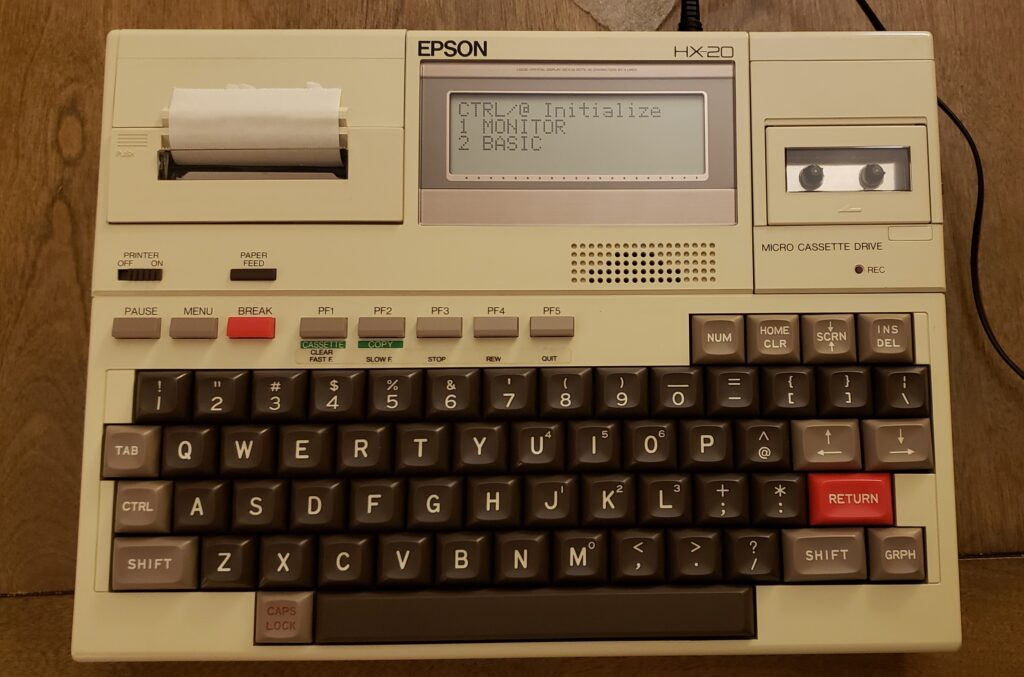
I first saw the Epson HX-20 back when I was working a computer store in New Jersey in the 80’s. I believe I read some articles about it in Infoworld or something similar, and thought it was awesome. At some point I got to look at one / type a few characters on it, but never got to own one.
Until now!
Epson HX-20
This came to me as part of a large equipment sale not far away. It is in EXCELLENT shape, complete with carrying case, power supply, and a couple microscassettes. The printer works fine, everything is in perfect working order.
Released to mass market in 1982, this is widely recognized as the very first laptop computer. It is A4 sized, has decent battery life, a full stroke, full sized keyboard, and many expansion ports.
Specifications:
Released: 1982
Original price: $795 ($2040 in 2020 dollars)
CPU: Dual Hitach 6301 CPU at 614khz
Memory: 16k RAM (expandable to 32k)
Display: 4lines at 20 characters
Graphics: 120×32
Batteried: NiCad
Weight: 3.5lbs
The unit works perfectly, and is a true delight to type on and tinker around with. I will be a great addition to my collection. I’m looking forward to learning more about it!
The year was 2005. The dotcom days were over, and even though the fear of Windows NT taking over the world was fading, Linux was still considered a “hacker” OS – something not to be taken seriously. Of course, the cool kids all knew that Linux was going to take over the world. Right? Right?
In May 2005, Nokia announced the N770 tablet. A full on tablet computer, with bluetooth, wireless, audio tools, all running Linux in a handheld configuration. While not the first portable handheld Linux device (my Sharp Zaurus SL5500 is an earlier example), the N770 grabbed my attention as something truly exciting. I wanted one in the worst way.
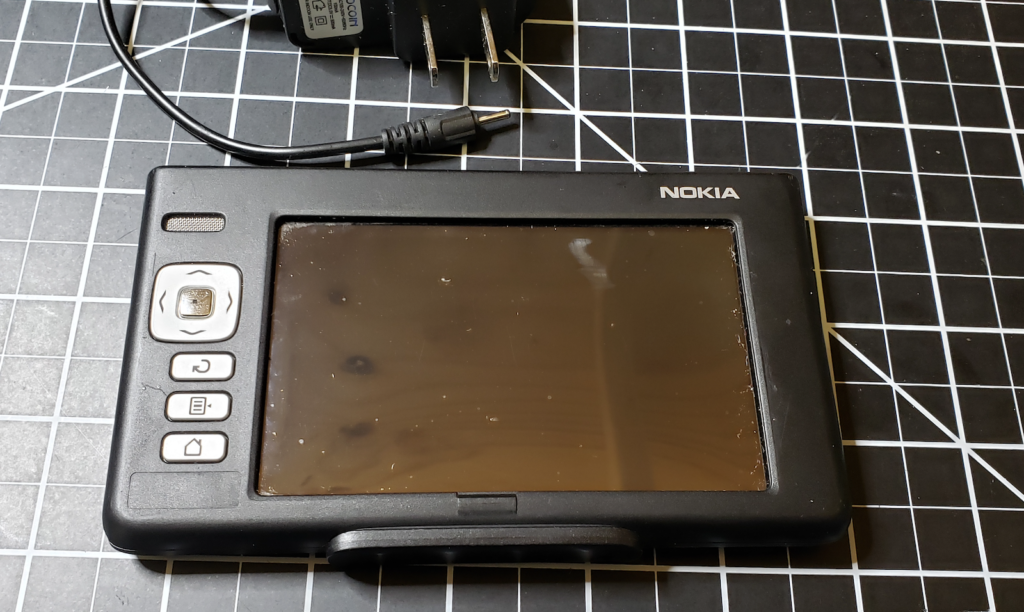
Nokia N770 Linux Tablet with Power Supply
Alas, the reviews of the N770 were not kind. It was slow. It had very limited memory and storage. The battery life wasn’t so hot. I still wanted one, but couldn’t bring myself to fork over the couple hundred bucks to make it happen. Not 2 years later Apple released the iPhone, and the world of handheld computing was forever changed.
On the inside, the specs are interesting, but not particularly staggering:
I’ve always wanted to tinker with the N770, and at the last VCF-East (where I picked up my copy of Wizardry), a nice fellow gave me one that he wasn’t using. I was ecstatic. The device is much as I had read – small, lightweight, in a neat little aluminum shell it can slide out of. However, there was no power supply, so I couldn’t turn it on. Nokia devices in this generation (including the phones) used a very very small barrel connector for power. I didn’t have one of these. A quick ebay search and I found a power supply, and ordered it.
Two weeks later I had my power supply, and plugged in the N770… and… nothing really happened. After a few minutes, the Nokia logo would flash, then flash again, then flash again. My N770 was busted.
FINE, sez me. I had the fever, and nothing was going to stop me. eBay again! This time I waited a few days and ended up purchasing another N770 for $40 delivered. Take that!
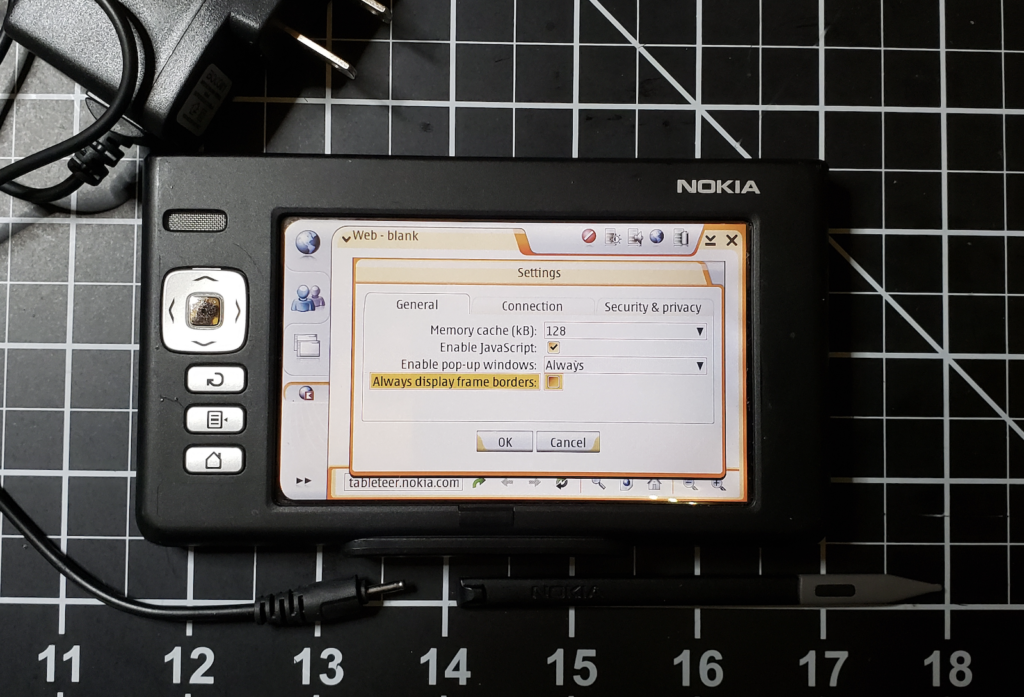
THIS one arrived with a power supply, and in fairly decent shape (no stylus though – the first one I got did have one). I plugged it in, powered it up , and yay! It worked!
Impressions
Okay, yeah. It’s slow. Connecting to wifi can take 2-3 minutes (!), and if you get the password wrong, you have to go through the process again.
Nokia N770 Linux Tablet
The interface is… confusing. I understand it’s Maemo, which is a GUI on top of the linux core, and has been updated and modified a lot since then but there’s a lot of guesswork involved between the navigation buttons, the touchscreen controls, and the buttons on the top of the unit. It really feels like they didn’t quite know what to do with a tablet. Is it all touchscreen stuff? Or are there buttons and light keys, with the touchscreen stuff being tacked on as a ‘cool’ factor?
Nonetheless, its’ a cute little toy to play with, and I love having a working one as part of my collection.
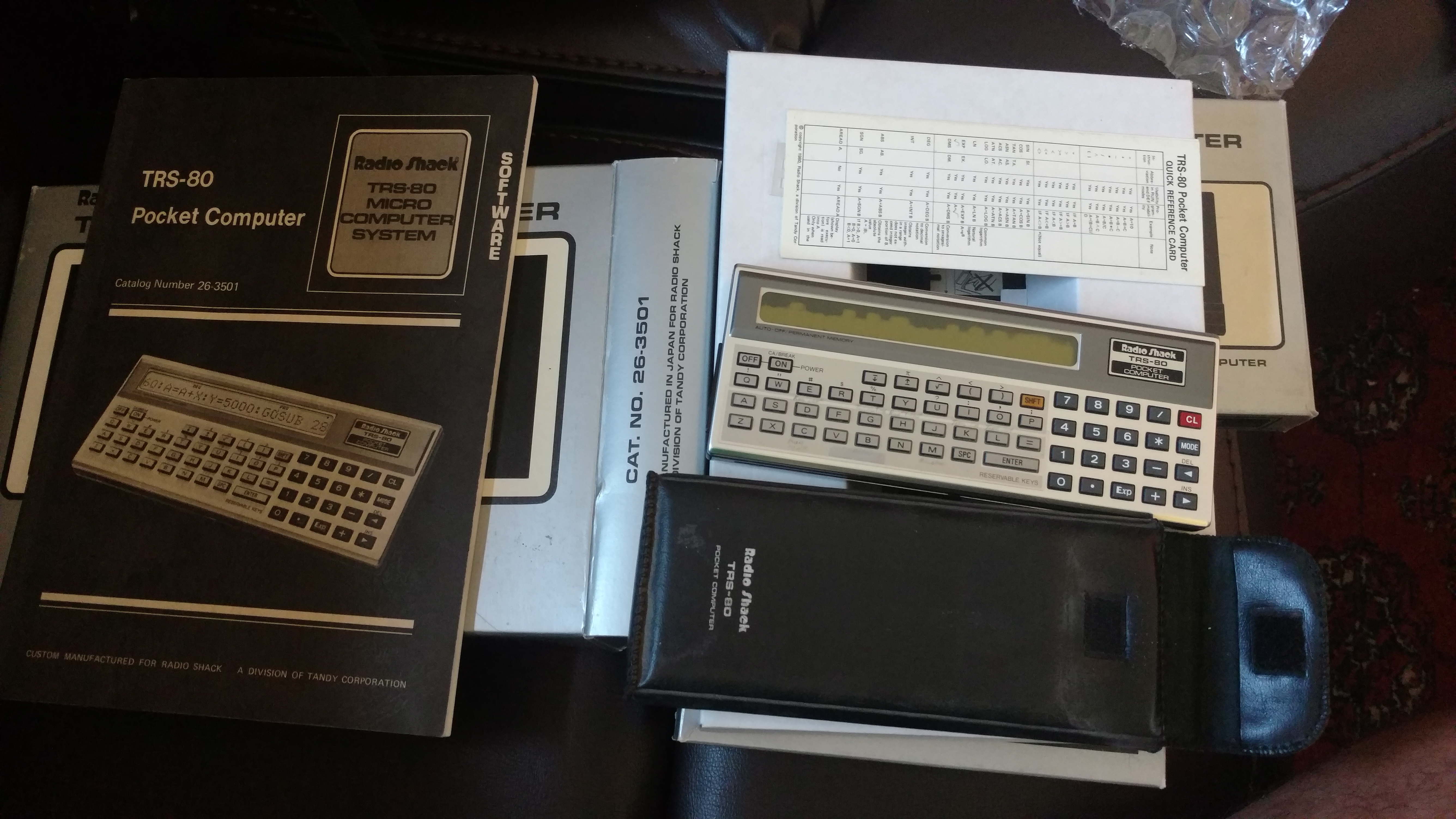
I’m super excited about adding this piece of history to the Vintage Handheld Computing Collection. When i was in high school, I had a total geek crush on these units when they were came out. Handheld, ran basic, battery powered, very nifty looking.
I acquired one back in the day (and have an interesting story about using it in a Physics exam), but haven’t had a chance to play with one since.
This one was donated by one of my coworkers. It includes the cassette interface, the original docs and boxes, and the plastic overlays that were used for ‘functions’ – basically defined keys. It’s in good physical shape, but has a bad display. I haven’t had a chance to run up the batteries and dock for it, but physically, it’s in great shape. Even came with some financial add-on software.
This particular unit is a PC-1 – the first generation of the pocket computer. They were actually made by Sharp as the PC-1211, and rebranded as the TRS-80 Pocket Computer. The PC-1 moniker was added later as the line expanded into more models.
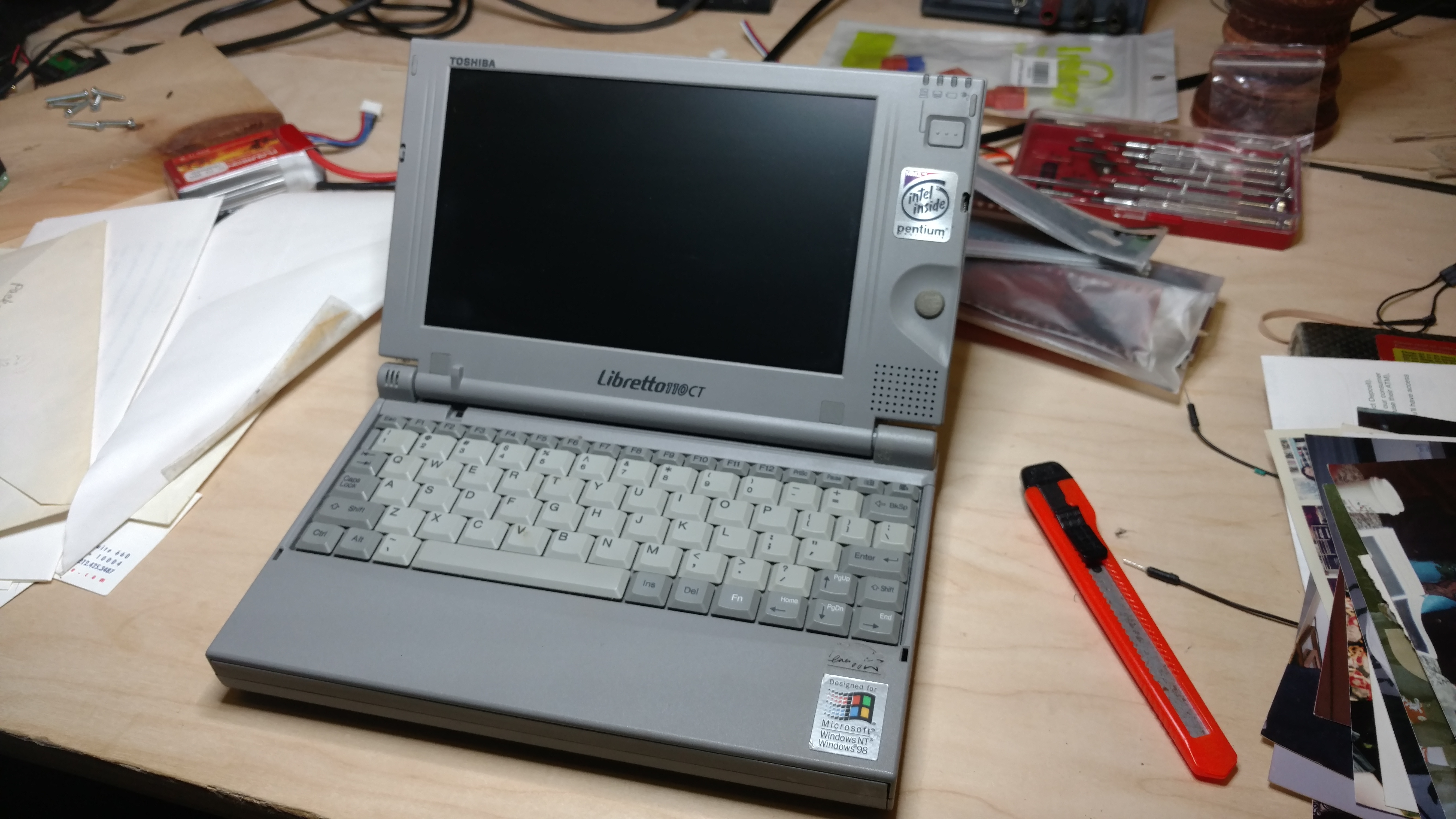
When I was working at in the IT Department at Wildfire Communications, the number one toy the execs and managers wanted was the Toshiba Libretto ‘palmtop’ computer. They ran Windows 95, were compact and functional (for the time), and made great conversation / showoff pieces. I had to have one for my collection.
I’ve let people know I was collecting vintage handheld computers, suddenly everyone wanted to donate! I quickly put together the collection home page and made the wishlist known. Lo, a friend I know from Arisia said “I have a Libretto that’s just lying around. Want it?” – Heck yeah!
This weekend, it arrived via a somewhat circuitous route, and lo, it is a 110CT – a slightly later model than the ones I worked on (which were 50CT and 70CT’s), but still the same form factor and awesome design. One of the niftiest is the integrated touch-mouse on the right side of the screen. The mouse buttons are actually on the lid, so you move the mouse with your thumb, and grip the buttons on the reverse side.
This one appears to have a screen problem that won’t let it show video properly, but I’m excited to have it in the collection. Thanks Ben!
![[personal profile]](https://www.dreamwidth.org/img/silk/identity/user.png)